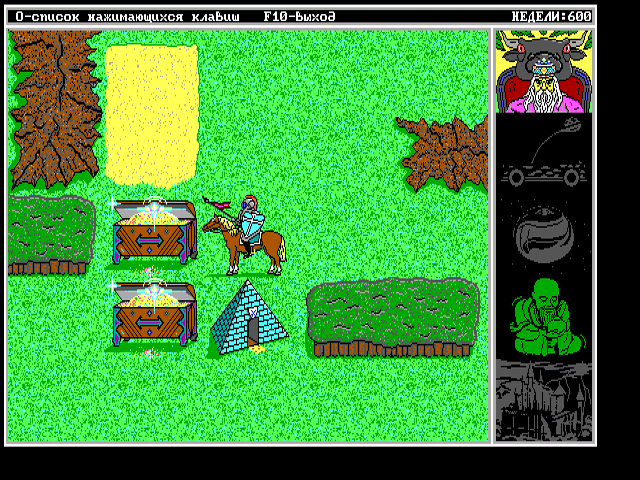
King's Bounty 2 is an unofficial sequel to New World Computing's King's Bounty (which, in turn, was a predecessor of sorts to Heroes of Might and Magic: A Strategic Quest), written from scratch by a hobbyist programmer from Ukraine.
While the story and setting are unrelated to those in King's Bounty, the core gameplay is more or less the same: the player controls an adventuring knight (no character classes here) who roams through lands, tasked by the king to retrieve an artifact that was stolen by an evil wizard. You can visit towns and castles, hire troops, take side-quests, buy and use spells, but also trade various goods, find treasure and hire workers to clear obstacles, such as woodcutters who will make a path through dense forest for you. And, of course, you will run into many opposing armies and fight them in turn-based battles.
Being a homebrew title, King's Bounty 2 became a major success in the former Soviet Union, even though the fifth continent with the wizard's castle was never added to the game. It is only available in Russian, but there are no complex narrations or dialogues to advance the plot. The art, while nothing spectacular, is not bad, but keep in mind it was supposed to be viewed on a 4:3 display, so don't forget to turn aspect ratio correction on in DOSBox.
How to play
Use the arrow keys to move. Interact with objects by moving into them, usually with a numbered list of options. Pressing O in-game will bring up the list of keyboard commands.
Description by MrFlibble