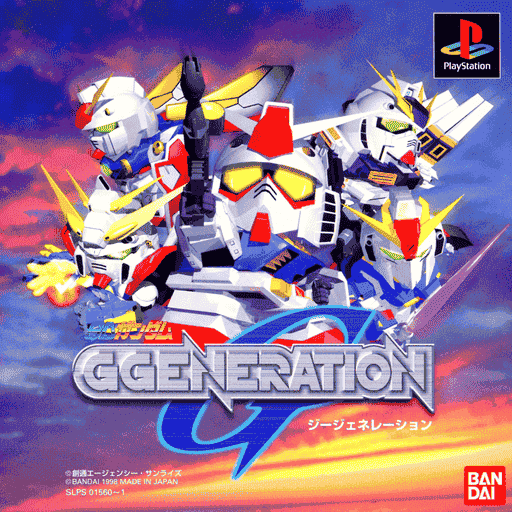
SD Gundam G Generation is a tactical RPG that brings together mobile suits and characters from across the Gundam universe in a super-deformed style. Players build and command squads of iconic Gundam units through turn-based battles on grid-based maps, with an extensive roster drawn from multiple Gundam timelines.
The first game in the long-running G Generation series, featuring mobile suits from Mobile Suit Gundam through Gundam Wing, with characters and units appearing in charming super-deformed style.
Deep tactical gameplay includes unit positioning, terrain advantages and combo attacks between squad members. Players can capture enemy units and develop their own teams of mobile suits.
It features a 'Generation System' in which players progress through different Gundam timelines, experiencing key battles from the various series while building their ultimate mobile suit collection.
It includes unit development and upgrade systems that let players evolve basic mobile suits into more powerful variants, creating customized armies from across the Gundam multiverse.
Controls
- ←→↑↓: Move Cursor/Select
- Square: Cancel
- X: Confirm
- Circle: Menu/Info
- Triangle: Switch Unit/View
- L1: Rotate Map
- R1: Switch Cursor
- L2: Speed Up Text
- R2: Skip Animation
- Start: Pause/Options
- Select: End Turn