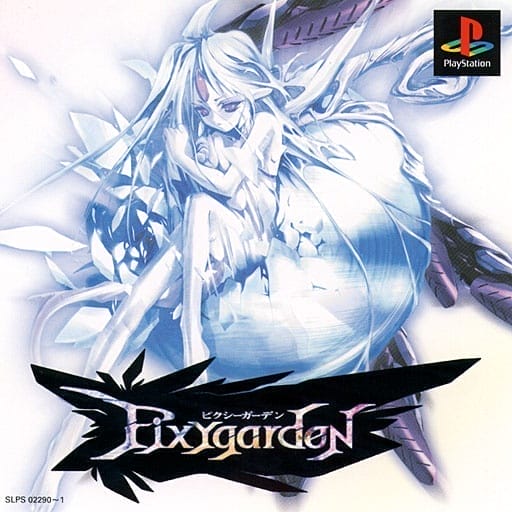
Pixy Garden is a whimsical life-simulation game in which you tend a magical garden inhabited by adorable fairy creatures called Pixies. Plant seeds, raise little Pixies and decorate your garden with colorful furniture and toys. Watch your Pixies grow, play and evolve into new forms as you build a cozy paradise of light and wonder.
Released by Bandai in 1999 for PlayStation, Pixy Garden combines the charm of virtual pets with garden management. You start with a small plot and a handful of Pixy eggs. By planting magic seeds, watering them and caring for them, your garden blossoms and attracts new species of Pixies.
The Pixies interact with each other and with their surroundings, playing on swings, splashing in ponds and reacting to the objects you place. Minigames and daily events keep the experience engaging, while seasonal changes and hidden recipes add depth. The more your garden grows, the rarer the Pixies you encounter.
Although it never had an official Western release, Pixy Garden is remembered as a relaxing and creative rarity of the PS1 era. Its pastel visuals, gentle soundtrack and surprisingly deep customization have earned it a devoted following among fans of cute, cozy games.
Controls
- D-Pad: Move Cursor
- X: Confirm / Select
- Circle: Cancel / Menu
- Triangle: Open Inventory
- Start: Pause